The sheet of paper that's always there


I've been on a Mac for over twenty years, and for most of them I was a serial notes-app migrant. If it existed between roughly 2003 and 2016, I probably tried it, moved everything into it, and then moved everything out again. That whole era is material for a tech museum and I don't intend to relitigate it.
Bear arrived in 2016 and I stopped moving.
What I was doing instead
The interesting part isn't which app I switched from. It's that for a long stretch I wasn't using an app at all — I was writing by hand on an iPad, and I still do.
What changed wasn't software. It was video calls. In a physical meeting I still won't type on a laptop while someone is talking to me; it puts a screen between us and I don't like what it does to the conversation. So in a room I take handwritten notes, or I run a transcription, or both. But on a video call, everyone is already looking at a screen. Typing isn't rude anymore. It's just what you're doing.
The last few years have had rather a lot of video calls in them. That's the whole reason a typed notes app became central to how I work.
Why this one stuck
Markdown, which is really about not stopping. This is the thing I'd struggle to give up. I can give a document a structure — headings, a list, something emphasised — without ever leaving the keyboard or opening a formatting panel. The thought keeps moving. Every notes app that makes you reach for a toolbar is charging you a small tax on every idea, and you don't notice you're paying it until you stop.
It is fast. Not "fast for an Electron app". Fast.
Tags instead of folders. Typing #project/thing as you write organises the note as a side effect of writing it, rather than as an administrative step afterwards. Filing is the part of note-taking everyone quietly abandons; Bear made it nearly free.
It autosaves, it syncs, and in ten years I have never lost a note. That sentence looks unremarkable written down. It is the single most important thing on this page.
What it genuinely doesn't do
Two things, and I'm not going to soften either.
Everything lives inside its database. I can't point Bear at a folder of markdown files on disk and work with them. That's a serious limitation, and it's the one that would make a lot of people stop reading here. The mitigation is real — the format isn't proprietary and I can get my notes out whenever I want — but "you can export" is not the same as "your notes are files you own in a folder." If that distinction matters to you, and for plenty of people it legitimately does, Bear is not your app.
It doesn't do handwriting. Which is why Notability is still installed on my iPad, doing the one job Bear can't. If Bear added handwritten notes I would get rid of Notability so fast.
Worth watching: the people who make Bear have opened the beta of Lettera, a markdown editor built on the same roots — with exactly the folder-of-files capability Bear lacks. I'm in the beta. I'm not recommending it yet, because recommending beta software is how you make people distrust the rest of your recommendations. But it's addressing the precise complaint I've just made, and I'm watching it closely.
The verdict
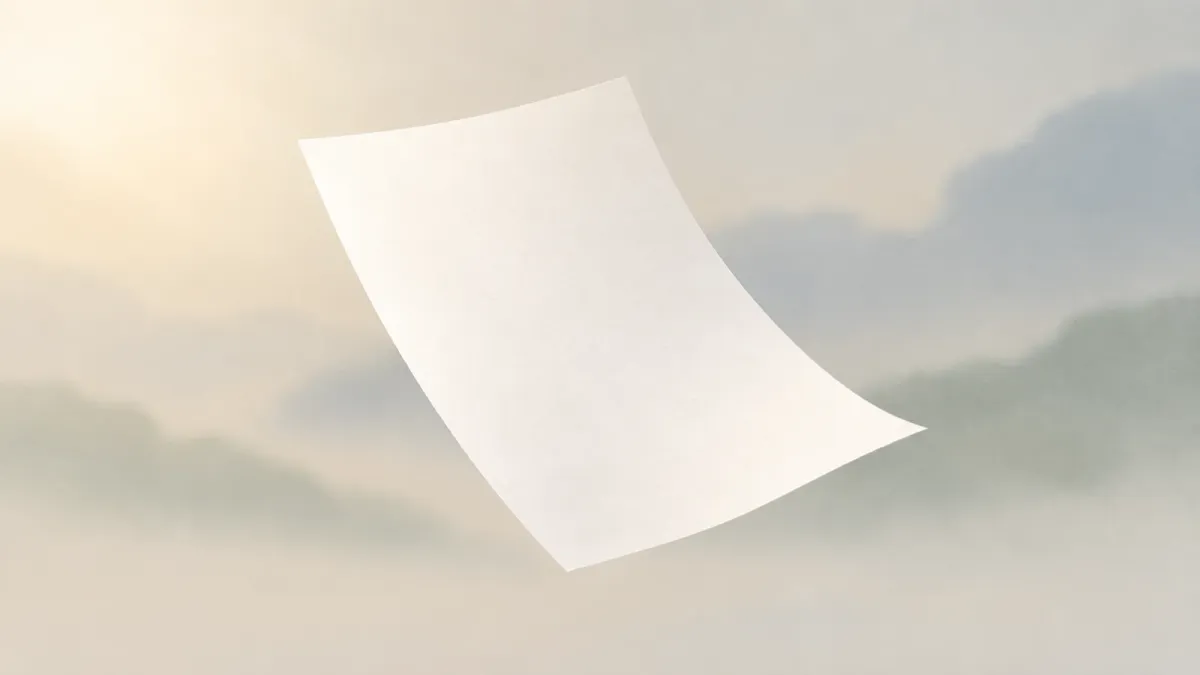
There's a free tier, and Pro is €15.99 a year — which for something I open dozens of times a day is close to a rounding error. Ten years in, it's the sheet of paper that's always there, on whichever Apple device I happen to be holding. If the database thing doesn't bother you, I don't think there's a better notes app on the Mac.
Part of the Mac software I actually use — nineteen tools, one write-up a week. Put together with AI, based entirely on my own use and opinions.